Every lever, tuned for profit
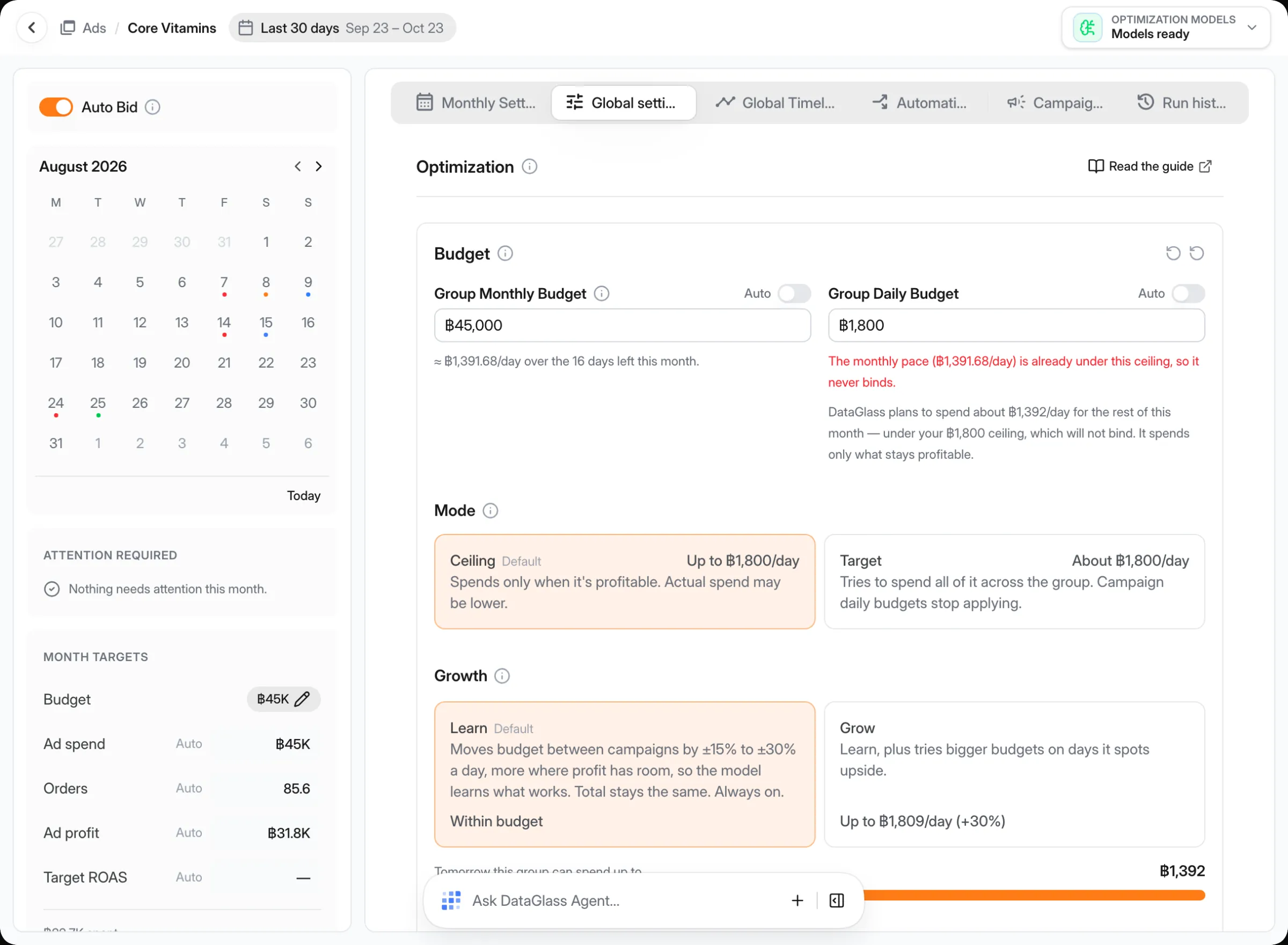
Response curves, demand forecasts and real margins behind every budget, pacing and Target ROAS decision, so you spend where the next baht still pays.
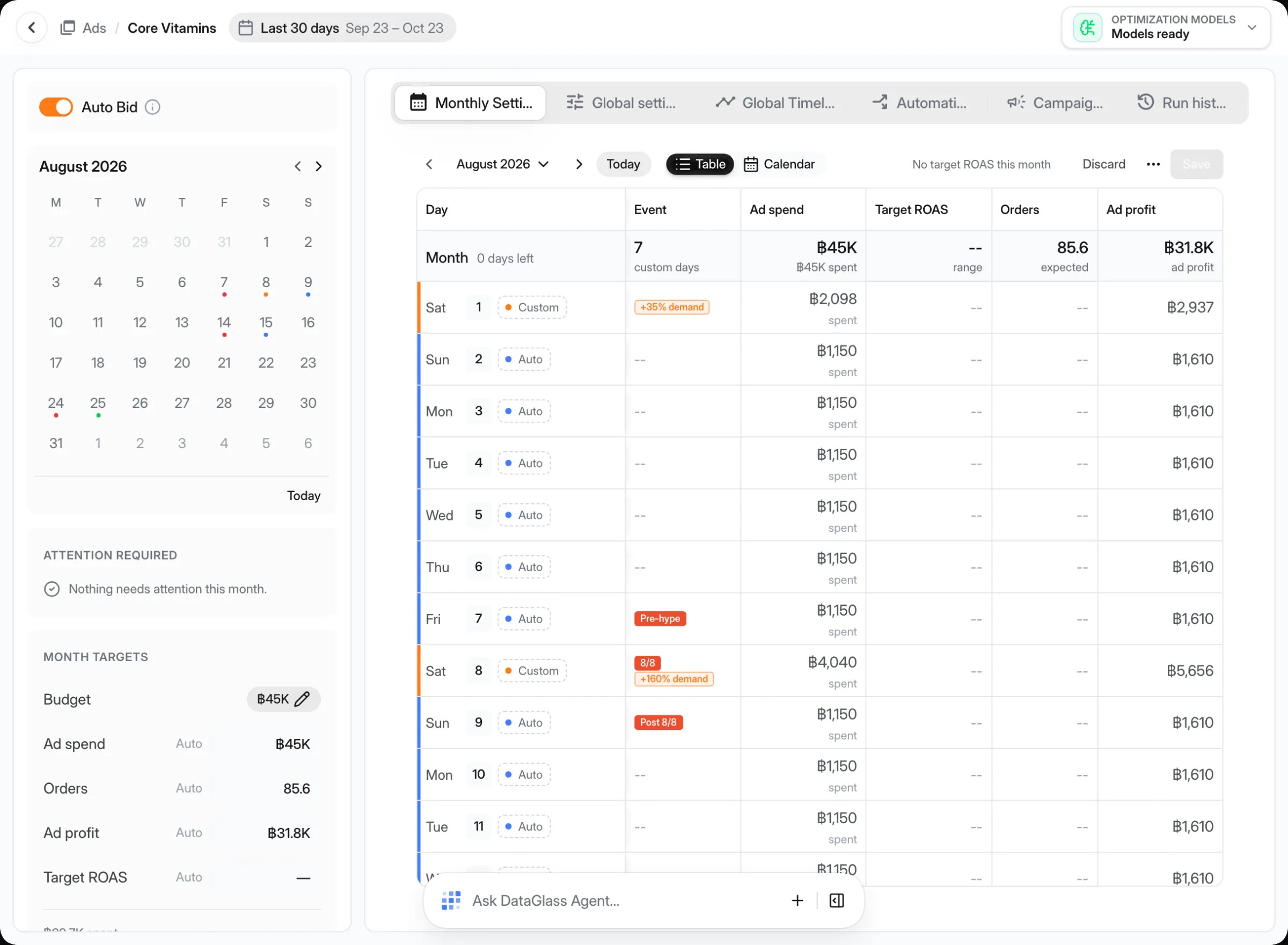
Pick a lever to see how DataGlass sets it.
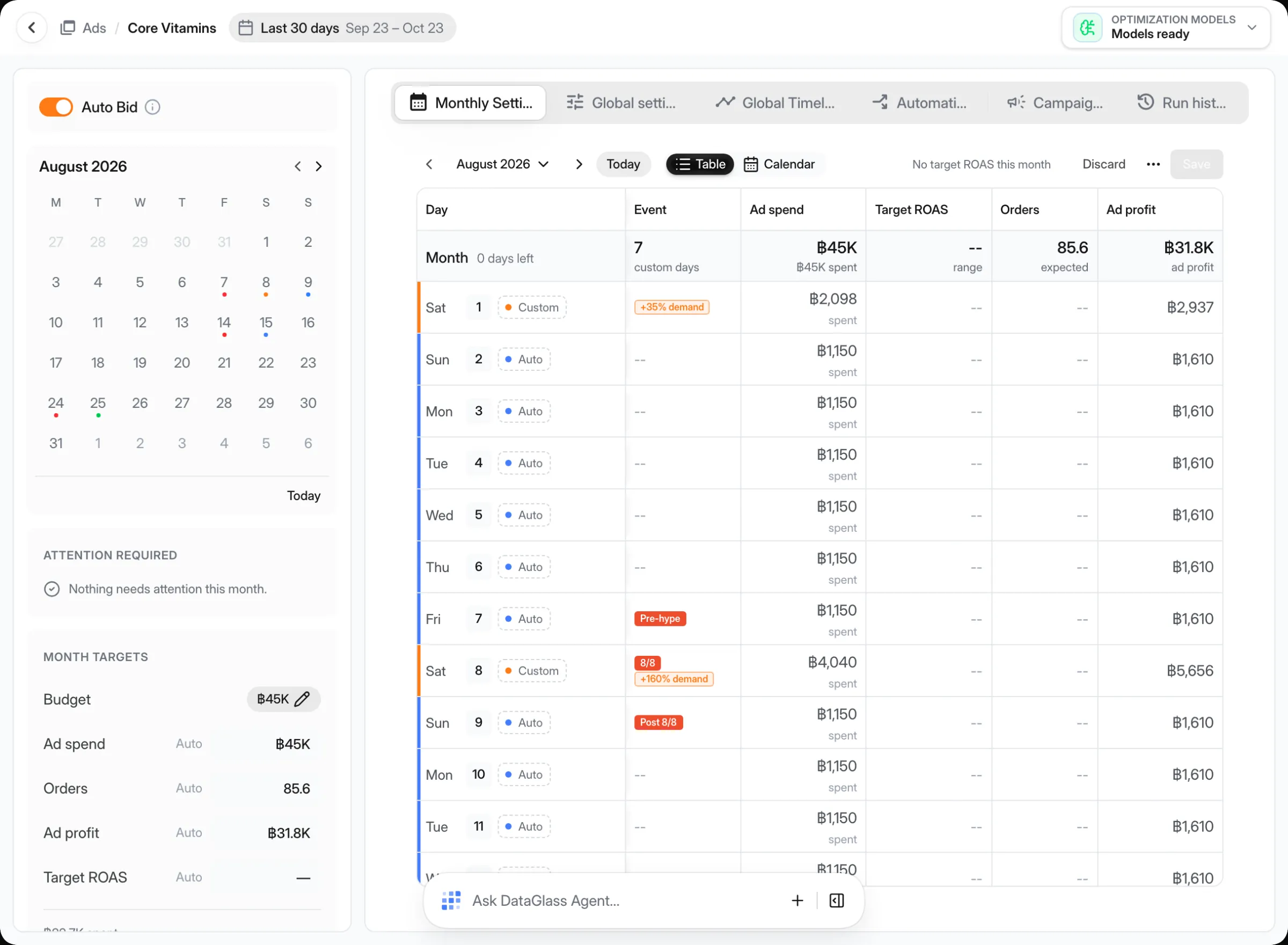
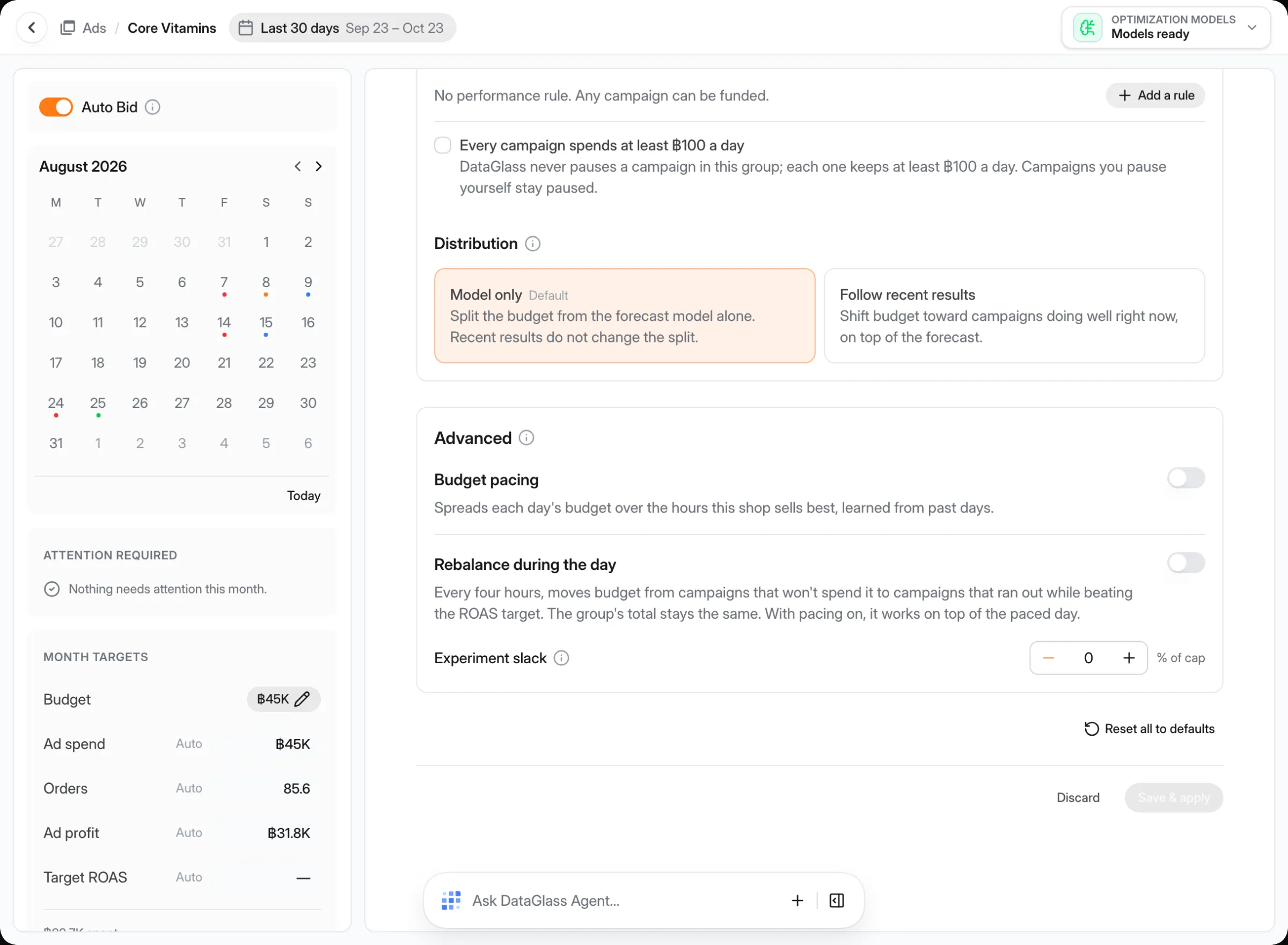
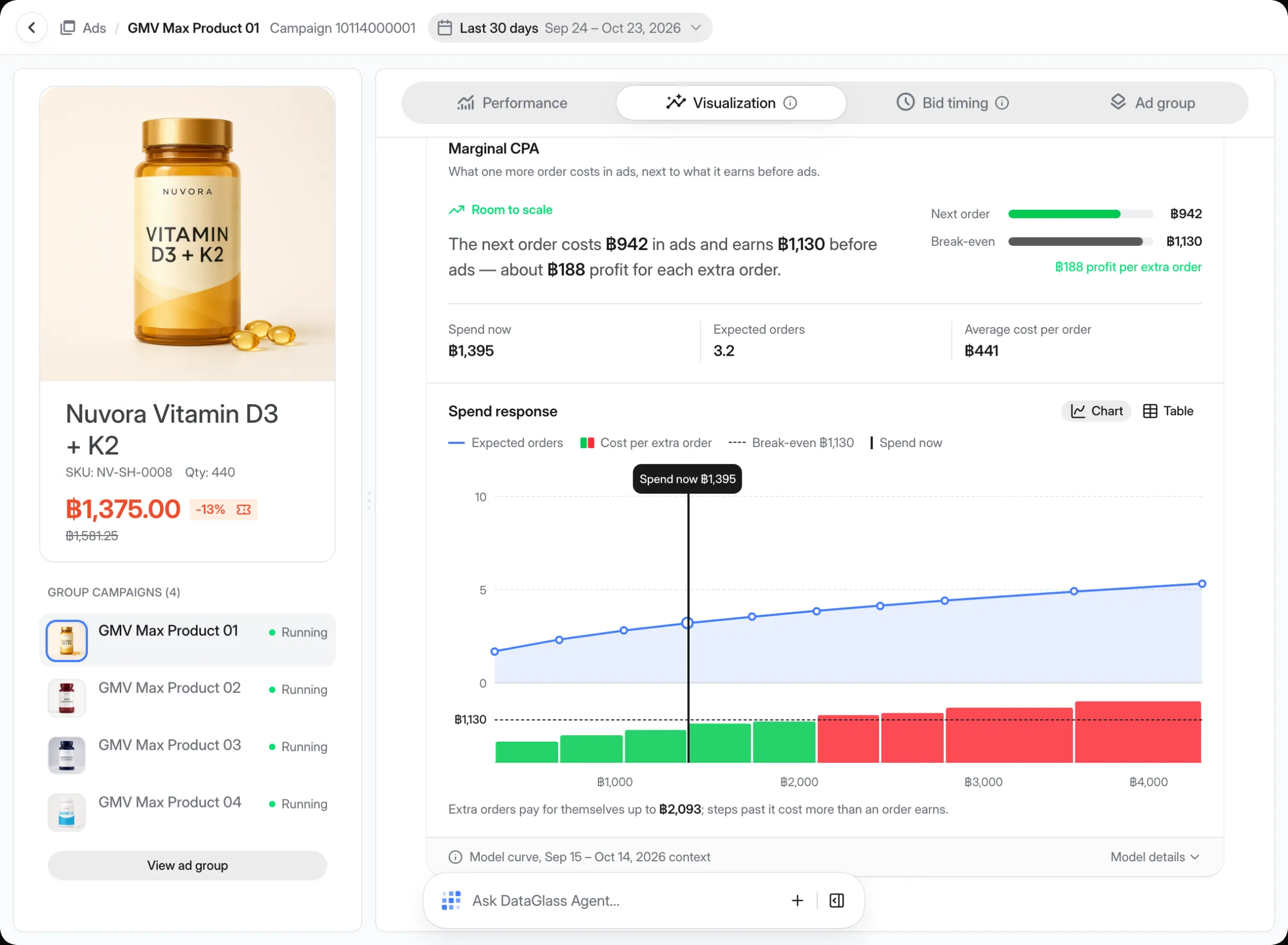
Each campaign gets its own response curve from its history, so you can see where extra spend stops adding profit and move the budget to where it still does.
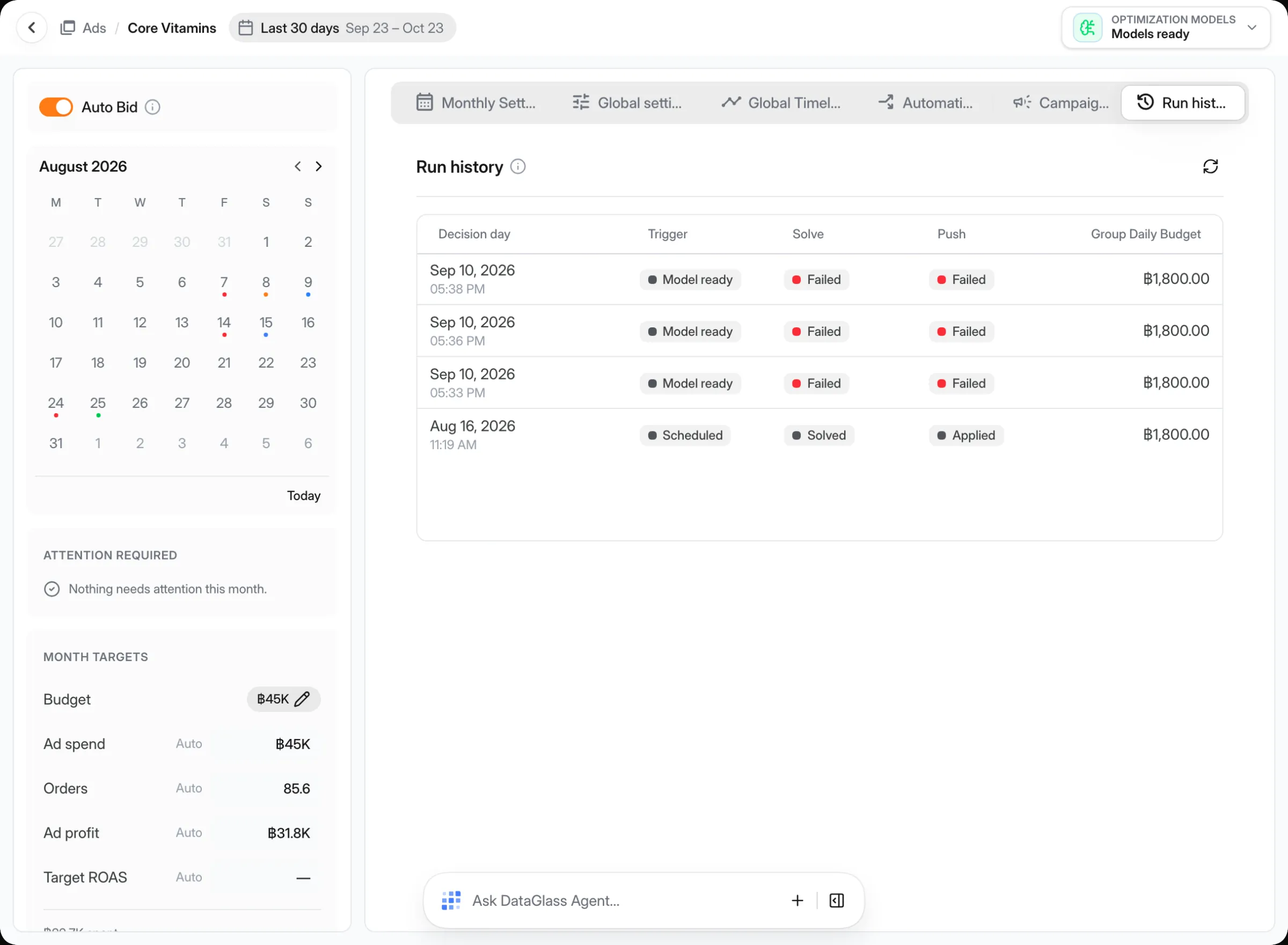
Recommendations arrive with the current setting, the proposed one and the expected profit. Approve them in bulk, deploy in one click and track what happened next.
How one-click deploy worksAutomation rules
Write rules that run on a schedule and stop at the limits you set.
Profit simulation
Try a price, fee or budget change and see projected profit before it ships.
Ads groups
Group campaigns that share a goal and optimize their budget together.
Schedules
Draw campaign-day boosts and quiet hours on one timeline.
Bulk edits
Change budgets and targets for hundreds of campaigns in one review.
Agent
Ask why a campaign slowed down and get a plan with actions to approve.